croc-desktop
I send a file with a short code. Nobody has to make a cloud folder about it.
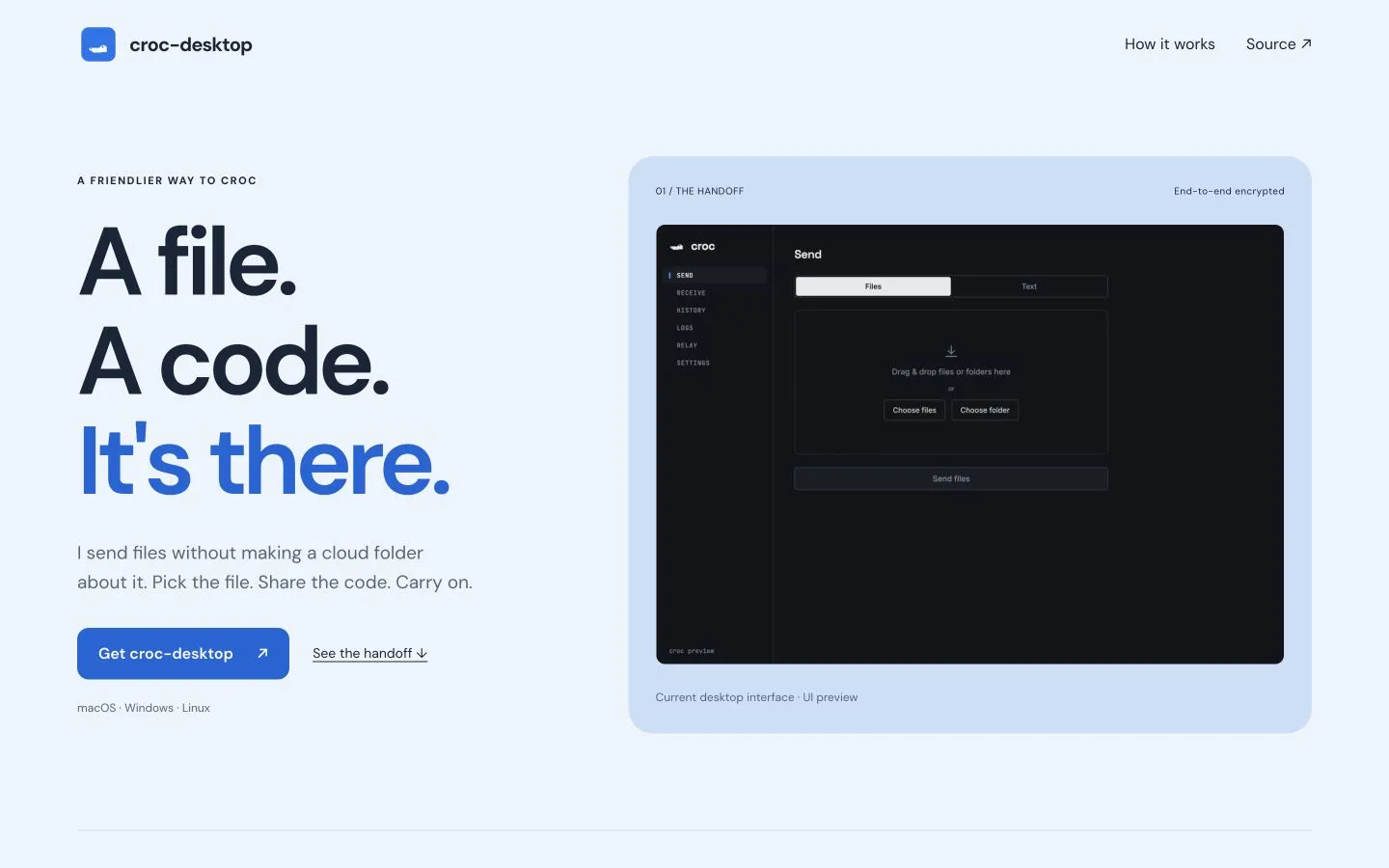
croc-desktop is a friendly app for croc: end-to-end encrypted, peer-to-peer transfer of files and text between devices. No accounts or shared cloud folders. A relay can help the devices connect; the transfer remains end-to-end encrypted. A short code (or QR) connects the two sides.
Why it exists
croc itself is a command-line tool. It’s excellent, but “open a terminal” is where most people bounce off. croc-desktop keeps the same protocol and wraps it in an app you can hand to anyone: pick a file, read out the code, done.
How to use
Send
- Open Send.
- Drop files or a folder, browse, or switch to Text for a snippet.
- Press Send — you get a short code and a QR.
- Share the code (or QR) with the other person.
- Watch progress; cancel anytime with the button or
Esc.
Receive
- Open Receive.
- Paste the code (or a whole
croc …command / share link), or load a QR screenshot. - Choose a download folder if you like, then Receive.
- Accept when prompted; preview images, video, audio, or text in-app.
Both sides need either this app or the croc CLI.
What’s inside
- Send and receive — files, folders, and plain text.
- History and logs — what went where, and what the relay said.
- Desktop and mobile — Linux, macOS, and Windows; experimental iOS and Android scaffolds (build from source — no store packages yet).
Install (desktop)
# Linux / macOS
curl -fsSL https://raw.githubusercontent.com/SihanTeng/croc-desktop/main/install.sh | bash
# Windows
irm https://raw.githubusercontent.com/SihanTeng/croc-desktop/main/install.ps1 | iexManual builds (AppImage, DMG, MSI) are on Releases.
Under the hood
Built with Wails v3 — a Go backend with a web frontend compiled into a native shell per platform. Releases are built in CI and published on GitHub. Mobile uses the same UI (bottom tabs when narrow) via Wails v3 native targets.


