TenLing
2026A calm desktop app for writing, reading, and presenting Markdown — your files stay plain .md, open them anywhere.
- Year
- 2026
- Stack
- Code
- GitHub ↗


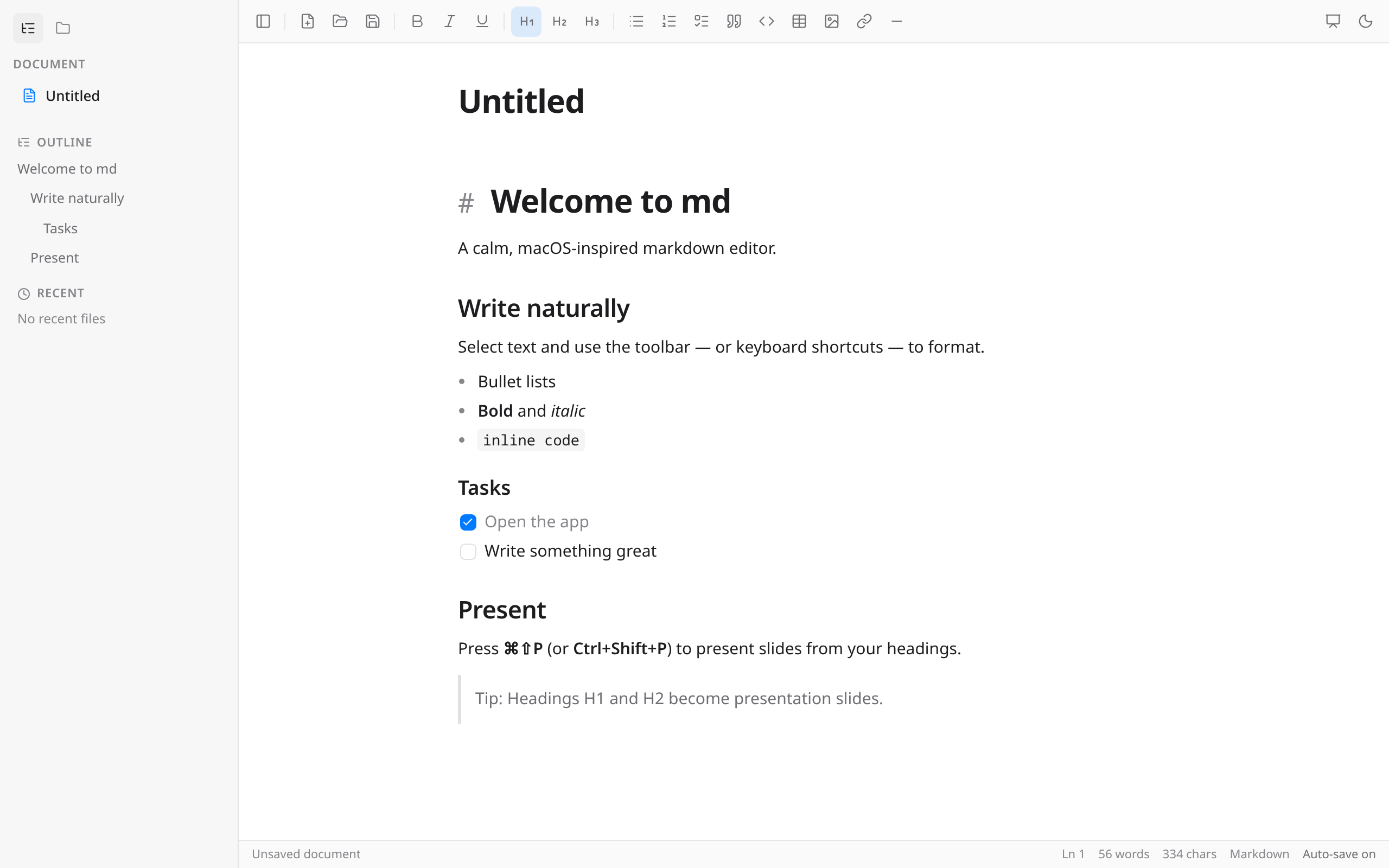
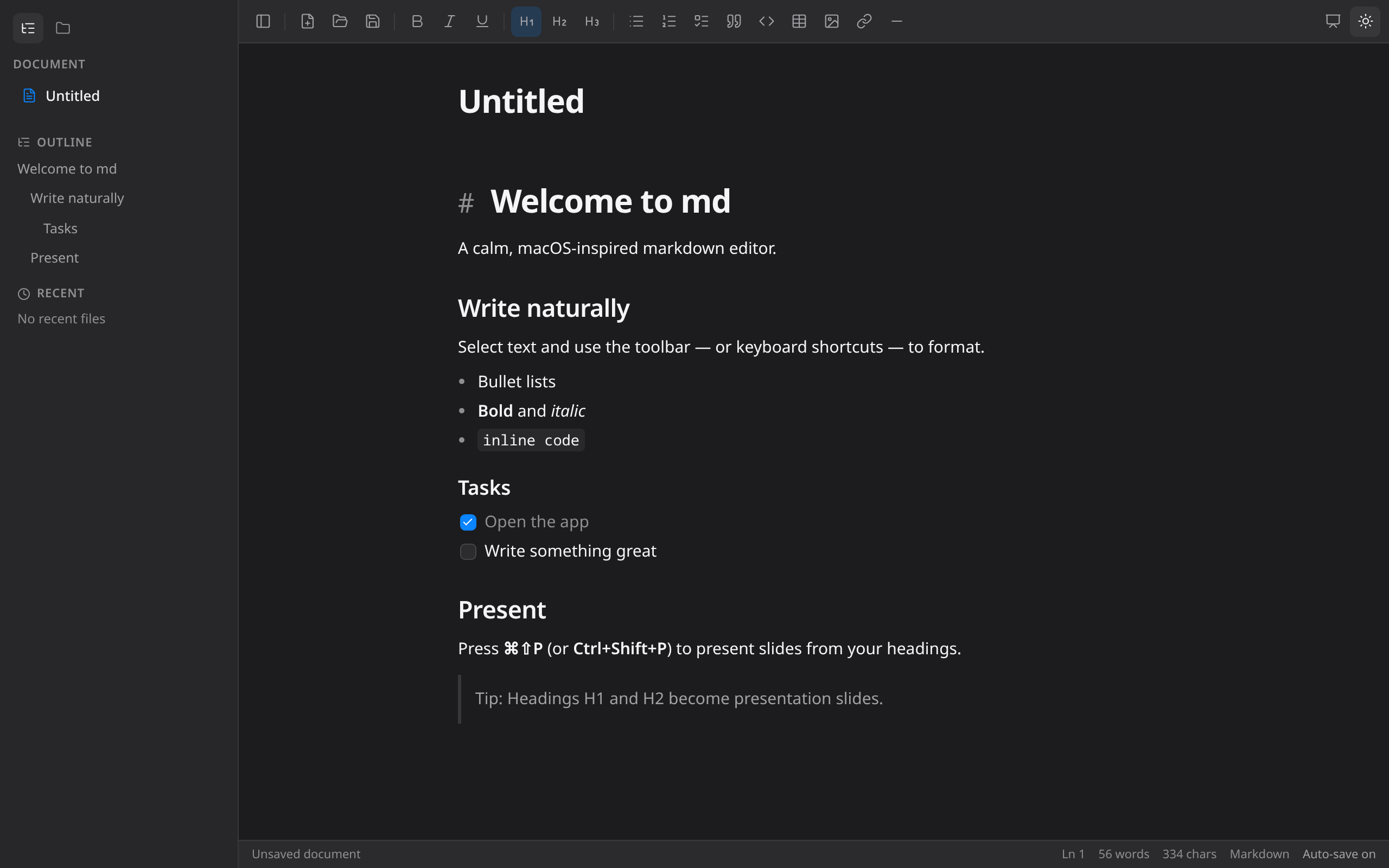
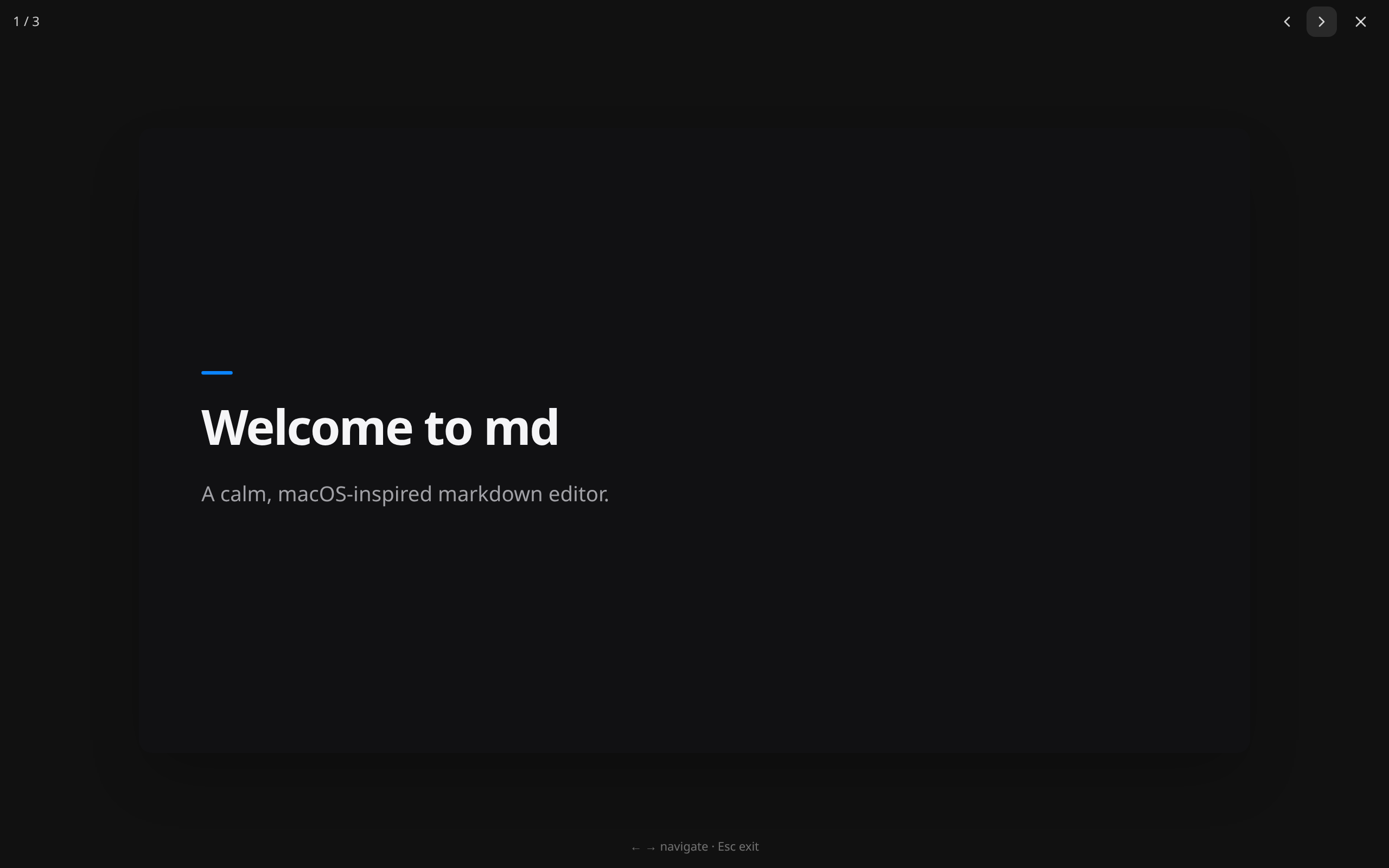
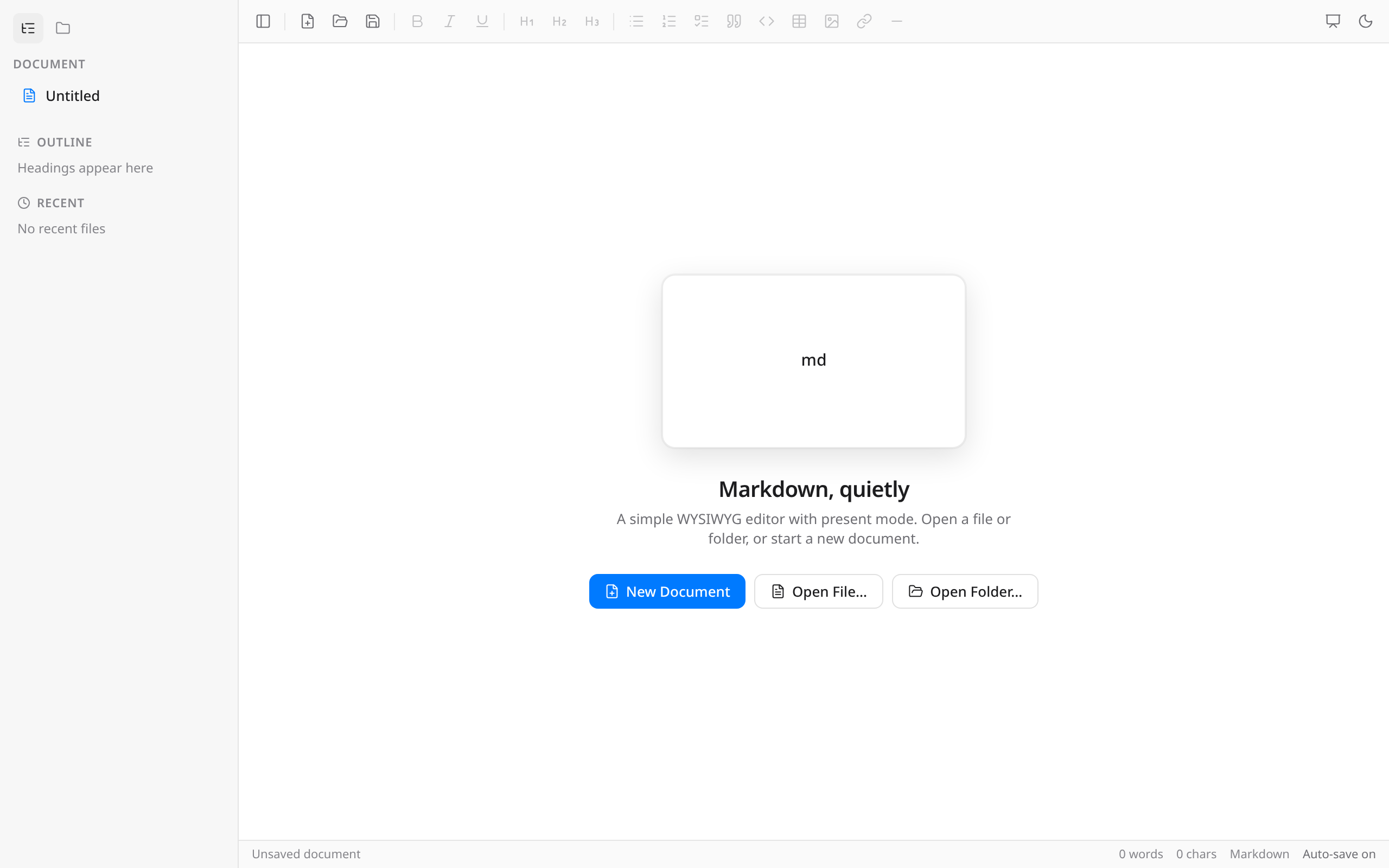
TenLing is a calm desktop app for writing, reading, and presenting
Markdown. The bet behind it is simple: your files stay plain .md, so they
outlive any app — open them anywhere, forever.
Why it exists
Most Markdown tools force a choice: a heavy knowledge base, a split source/preview pane, or a paid single-purpose editor. TenLing is for people who just want to open a file and write. What you see is what you write — headings, lists, tasks, and tables format in place, without syntax staring back at you. And there is no vault: your files live in your folder, portable and plain.
What it does
- Write — a quiet editor that stays out of the way, in light and dark. Bold, italic, headings, lists, tasks, quotes, code, tables, images, and links, from the toolbar or the usual shortcuts.
- Slash commands — type
/for a Notion-style menu of blocks: headings, lists, tables, and more. - Read — rendered preview for when you’re consuming, not composing.
- Present — a Markdown file becomes slides: H1 and H2 headings split the deck. The deck is the document, so there is no separate file to maintain.
- Outline & files — jump between sections from the outline; open a folder and browse the Markdown nearby.
- Find & replace — search the open document with
⌘F/Ctrl+F. - Export — save as HTML or PDF, or copy as HTML for pasting elsewhere.
- Light & dark — follows the system appearance, or pick a side yourself.
- Auto-updates — new versions arrive signed from GitHub Releases.
Install
One-liners:
# macOS / Linux
curl -fsSL https://raw.githubusercontent.com/SihanTeng/tenling/main/install.sh | bash
# Windows
irm https://raw.githubusercontent.com/SihanTeng/tenling/main/install.ps1 | iexOr through a package manager: Homebrew on macOS via its own tap
(homebrew-tenling) — brew tap SihanTeng/tenling && brew install --cask tenling — plus APT and DNF repositories, the
AUR (tenling-bin), and Chocolatey on Windows. Manual installers (DMG, AppImage,
deb, rpm, MSI) are on the
releases page.
Shortcuts
| Action | macOS | Windows / Linux |
|---|---|---|
| New document | ⌘N |
Ctrl+N |
| Open | ⌘O |
Ctrl+O |
| Save | ⌘S |
Ctrl+S |
| Save as | ⌘⇧S |
Ctrl+Shift+S |
| Find | ⌘F |
Ctrl+F |
| Present | ⌘⇧P |
Ctrl+Shift+P |
| Exit present | Esc |
Esc |
| Next / previous slide | → / ← or Space |
same |
Under the hood
TenLing is a Tauri app — a small Rust shell around the system
web view, so it stays light instead of shipping a whole browser. The editor
is TipTap on React, with marked and turndown doing
the Markdown round-trip to and from disk; slides in present mode are rendered
with Remotion. Releases, installers, and update
signatures are built in CI and published on GitHub.