Strike a Line
I draw the path. Milo runs it. We disagree about structural engineering.
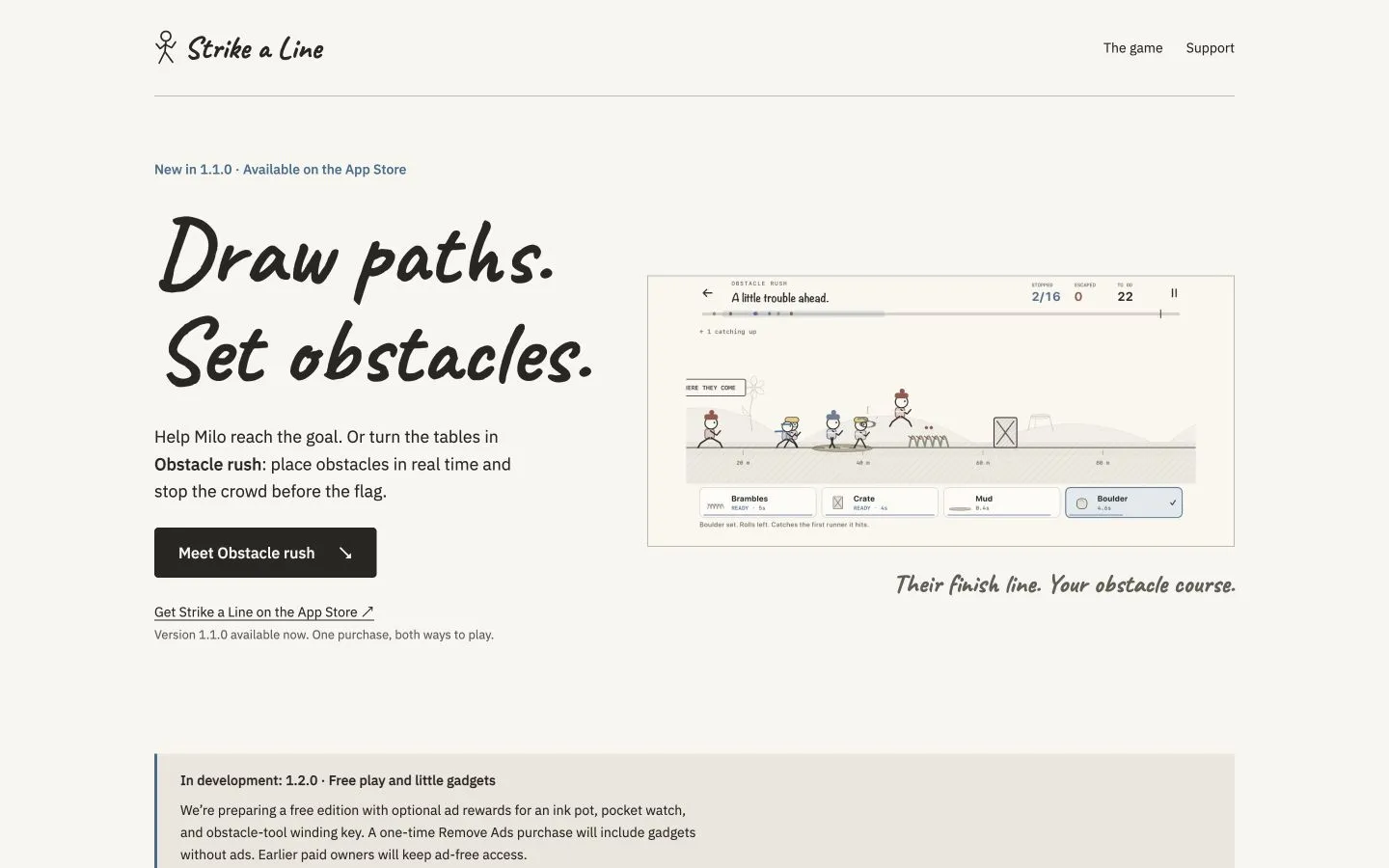
Strike a Line is an offline game for iPhone. Milo runs. You draw the path, or you set the obstacles and try to stop the crowd.
I link the US App Store listing. Availability depends on the storefront. If Apple sends you to its Today page instead of the game, I keep the game details and support at strike-a-line.brighteng.org. The phone keeps the saves.
You draw
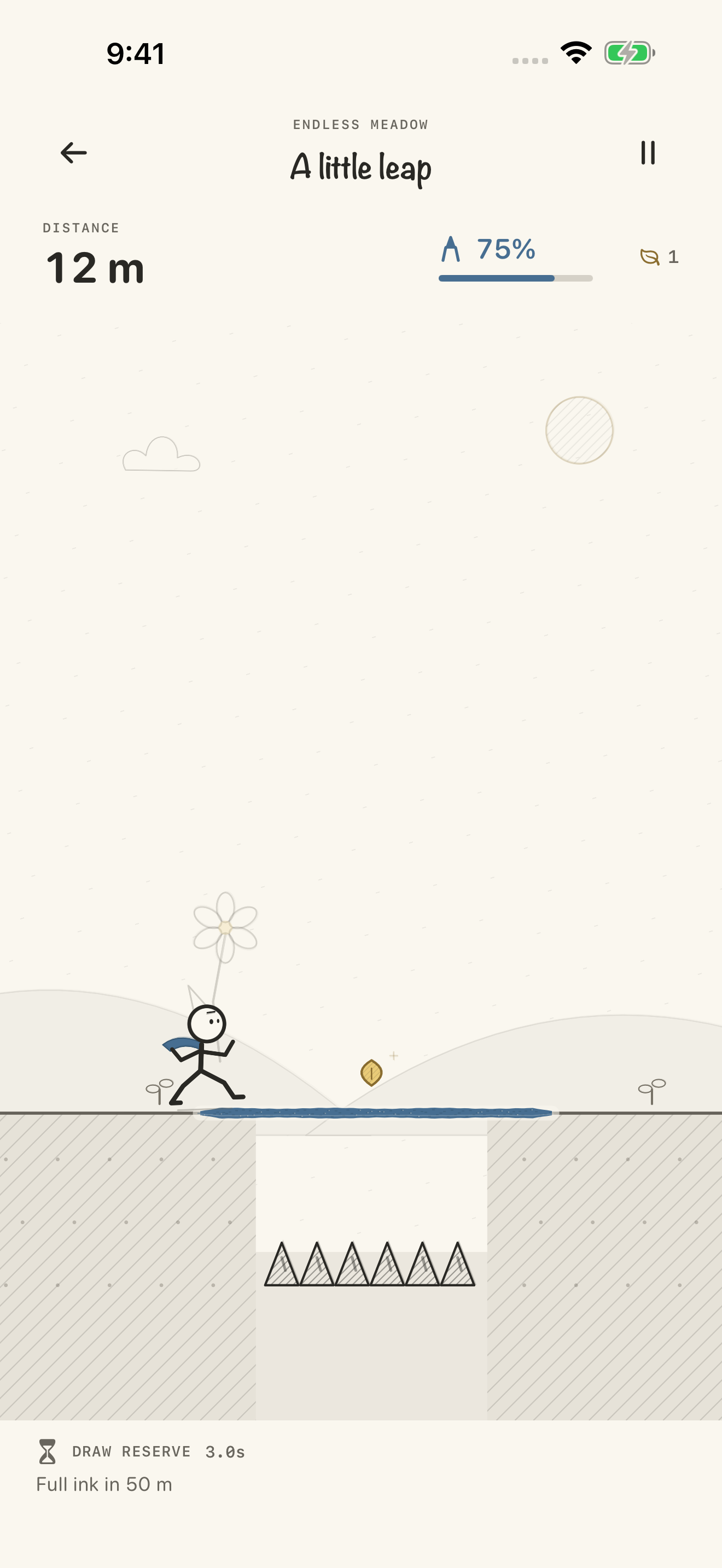
Tap Let’s roll. Milo starts after a three-second countdown. Draw the opening bridge while he waits.
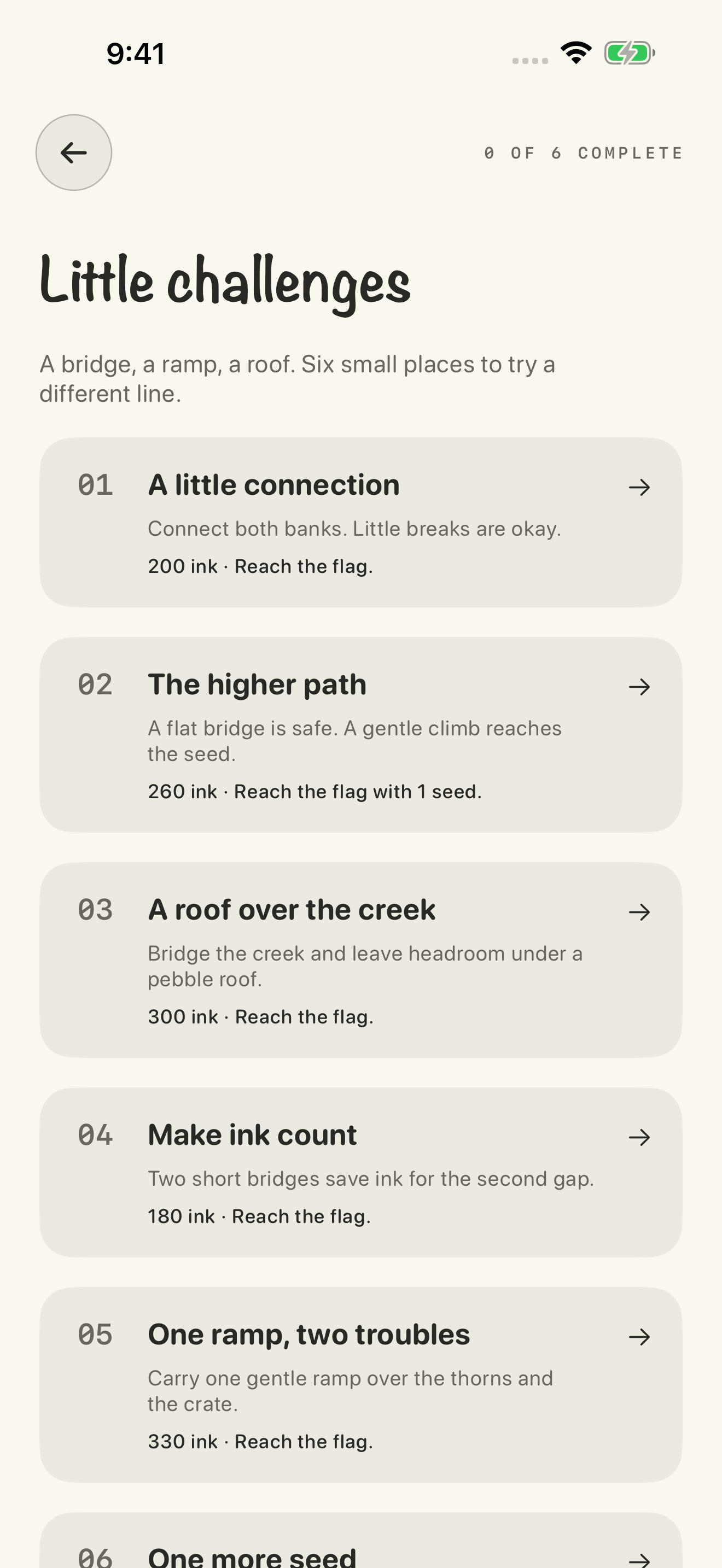
A gap wants a bridge. Thorns and crates want a gentle ramp. Falling pebbles want a roof. A small break in the line is fine. He steps over it. A tall wall still wants a ramp.
Ink is the budget. A FRESH INK marker refills it. A golden seed adds some back. The meadow is endless: thirteen obstacle patterns, shuffled, a new seed each run. Six short challenges have a flag, a budget, and a best-ink record.
The pencil has a three-second slow-motion reserve. Portrait or landscape. Pause keeps the meadow, including after you leave the app.
Obstacle rush
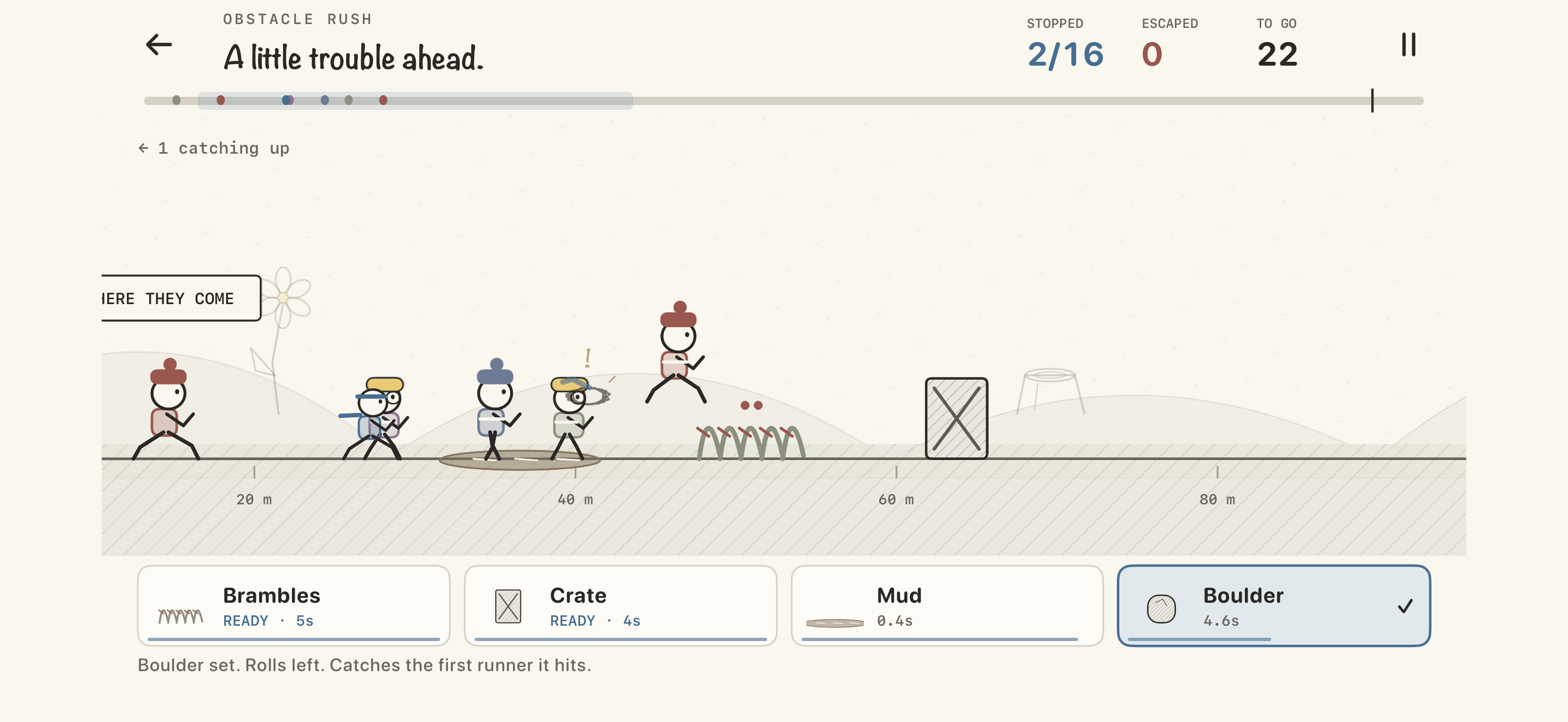
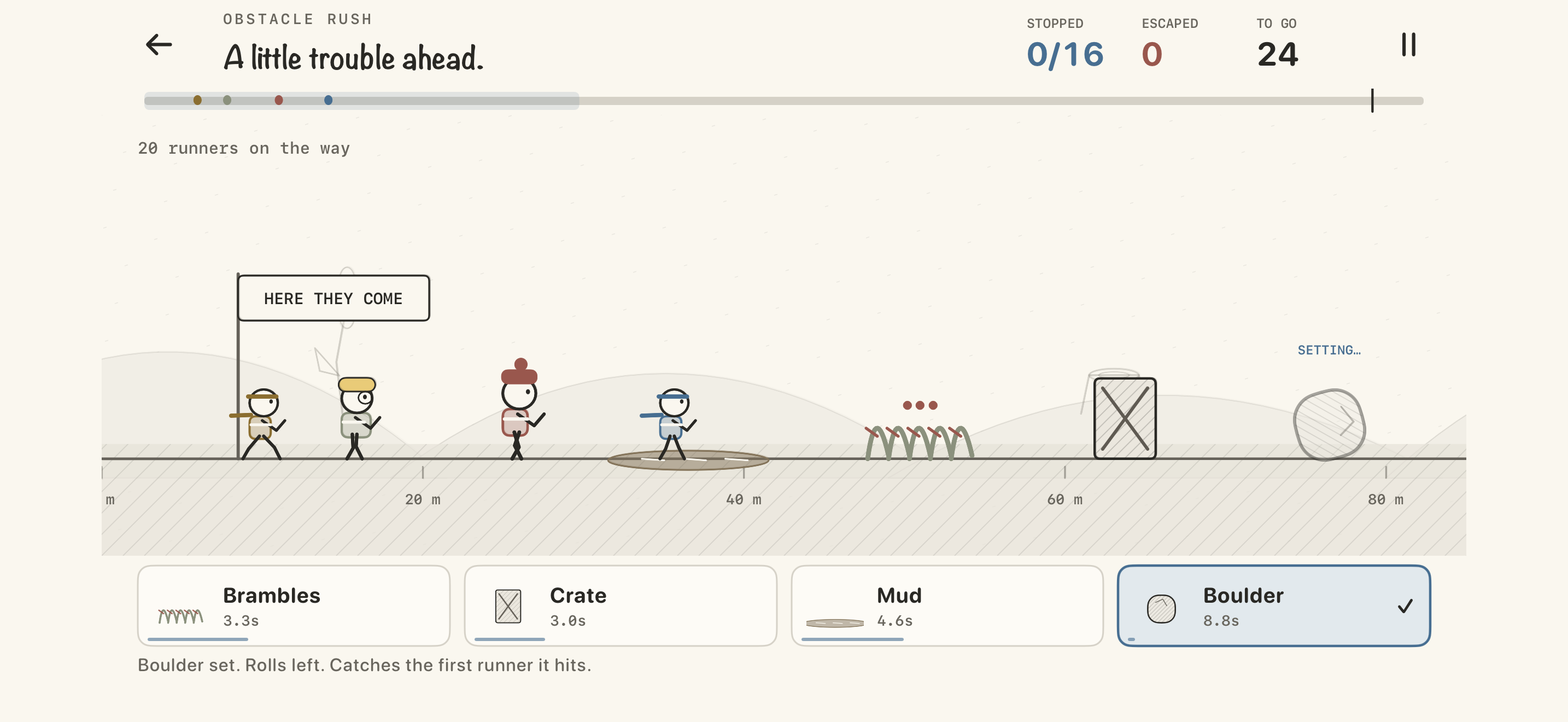
Obstacle rush turns the pencil around. Landscape only. Place brambles, crates, mud, and rolling boulders, each tool on its own cooldown, and stop 16 of 24 runners before the flag. Sprinters, hoppers, and crate-breaking tinkerers. The course scrolls on its own.
Drawing, the challenges, and Obstacle rush keep separate saves.
Under the pencil
Swift and SwiftUI, on iOS 17 or later. The run itself is a small GameCore: a seeded meadow, the physics, and an archive that can resume it.