KTerminal
I keep projects, files, and agent sessions beside the terminal. The shell still does the work.
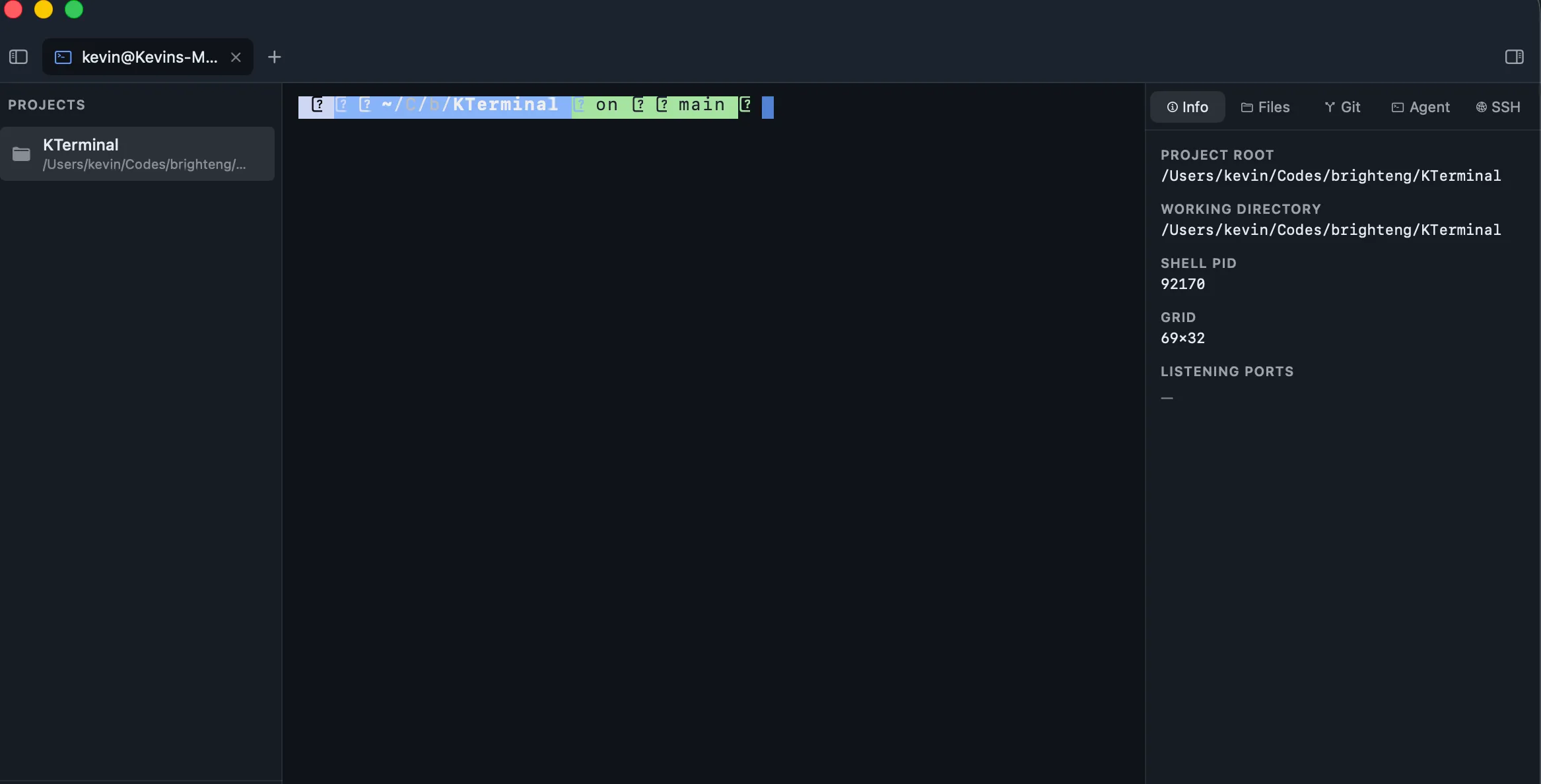
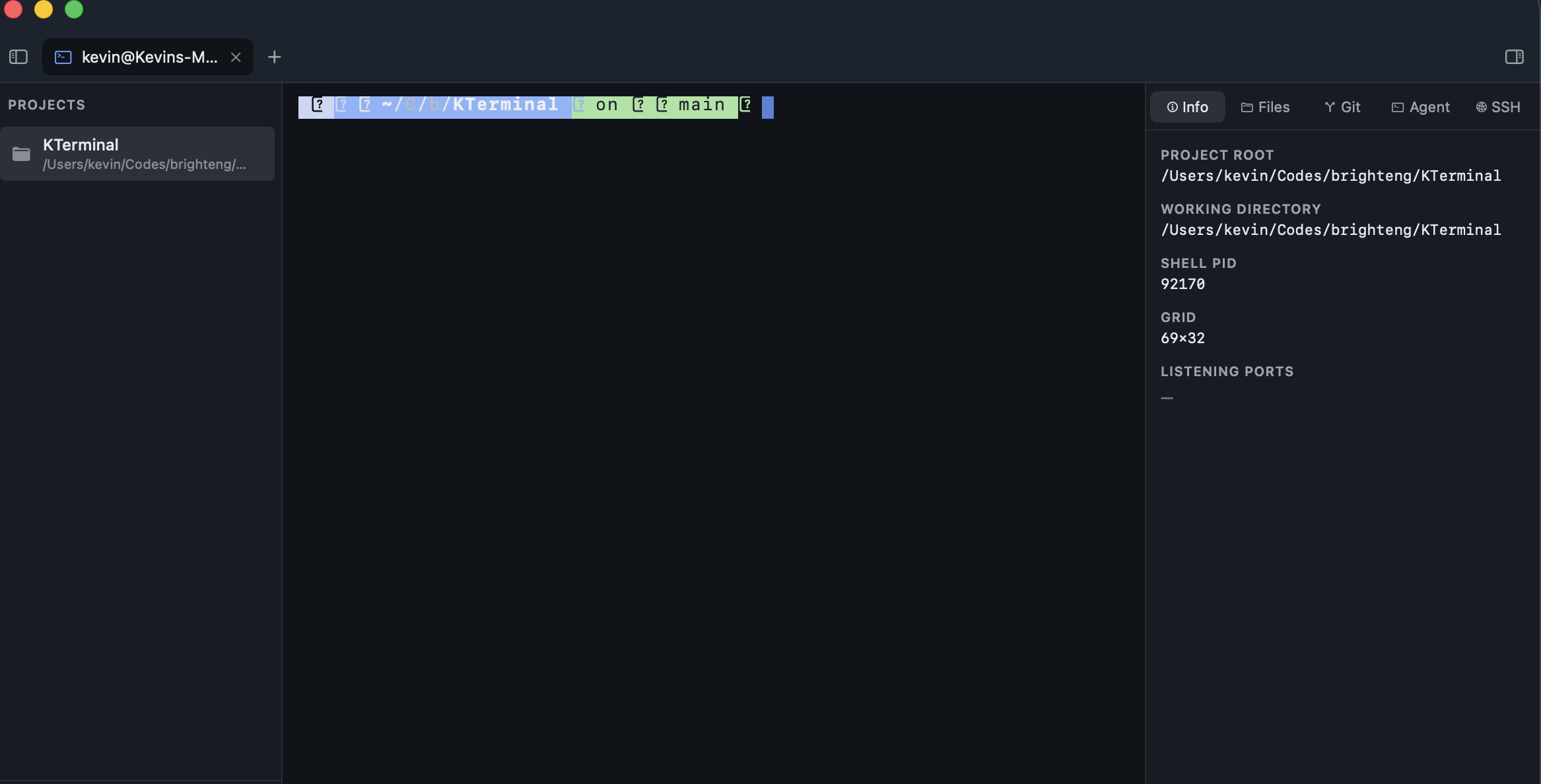
I built KTerminal around a Rust terminal core. Projects, files, and agent sessions sit beside the shell. A terminal already has enough to do without losing track of which project it belongs to.
One terminal core
The emulator owns the grid, VT parsing, scrollback, and input behavior. Separate clients handle the window and rendering. The workspace has macOS, GTK, and wgpu client code; they share the same emulator rather than each inventing a terminal.
The gallery image shows the GTK workspace, with its project rail and side panels. Public macOS downloads live in the release repository.
Keep the work beside the shell
I keep a project’s terminal and files in one workspace. When output disappears into scrollback, I search it and move between matches. When I close a session with an active job, the app warns me. It has learned to ask before deleting an afternoon.
The side panels provide context. The shell still runs the commands. KTerminal does not replace a coding agent or make its output correct.
Install the public app
The 0.1.2 release targets Apple silicon Macs running macOS 14 or later. I download the ZIP, extract it, and move KTerminal.app to Applications. Initial license activation needs an internet connection. This version is paid, with no trial or subscription; the release notes contain the purchase link and license terms.
The repository includes other client implementations. That is not a promise of a downloadable installer for each platform. I list the actual packages on the release page.
The current app source is private. I keep the public download separate from the development repository.
I checked the requirements and workflow against the public 0.1.2 release notes on October 4, 2026. The GTK screenshot above is not the native Mac interface.